Custom Stylized Shader - Cartoon Outlined
Another study of cartoon shaders in Blender. This time it is a more vivid and outlined version.
I took my previous study as a basis, so if you are interested in how to set up the base for a particular shader, follow the link: https://mornaista.artstation.com/projects/3dgkkJ
Notice that I have changed the tones in the node ColorRamp for all shaders. I also got rid of the shadows to make them look more like a 2D comic. To do this, set Shadow Mode in the settings to None.
A stroke that is adjusted within the shader will give a flat black (or whatever color you want) shadow on the object itself, but for the outline itself, there are a couple of other steps that need to be done.
First, create new material and use the Emission node to give it the desired color.
Then add it to the subject *UNDER* the base material.
Finally, add a modifier and set it up like in the photo below the swatches.
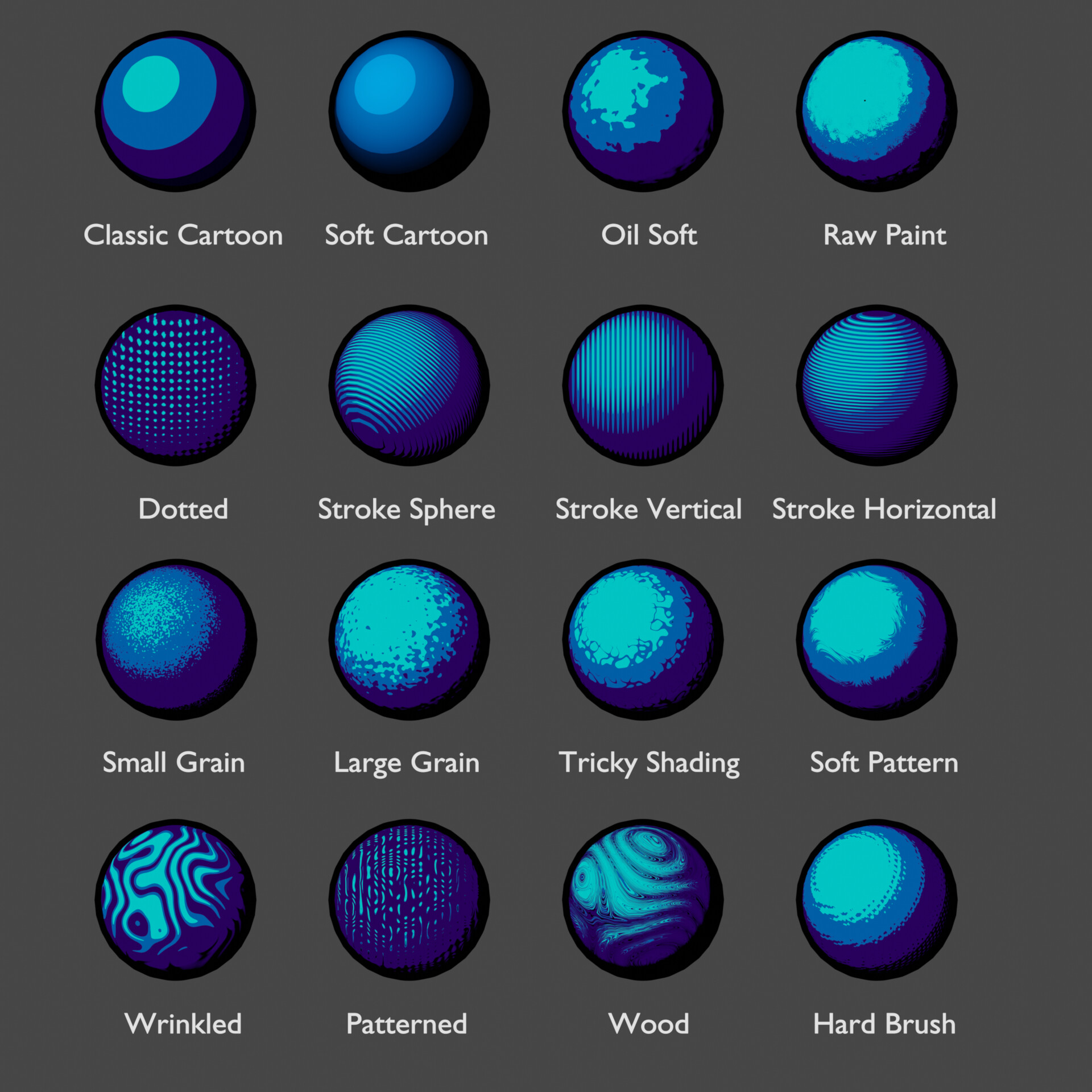
Material swatches

Modifier Solidify with proper settings. You can adjust thickness of the outline with Thicjness. Be shure that offset is setted to 0, Flip Normals checked and Material Index Offset setted to 1.

Outline group with one input - for Classic and Soft Cartoon.

This is how add Outline Group to your shaders. BE CAREFUL! If you want to change settings inside Outline group INDIVIDUALLY you must click on the button, showed below:


This is a setup for Sort Cartoon shader.

Outline group with two inputs - for shaders that have a texture in addition to Diffuse.

Settings for shaders with one texture.

Settings for shaders with two textures.